
 Short-form · Bangkok, Prague, Texas
Short-form forAutodesk,built to theirrulebook
Dan's close to a deal to edit Autodesk's footage from Bangkok, Prague and Texas into short videos for LinkedIn. This page is everything we'd need to do that at their level: their brand and video rules, what they post now, what the best event brands post, and ten working animation concepts set in their own typeface over real Autodesk event footage.
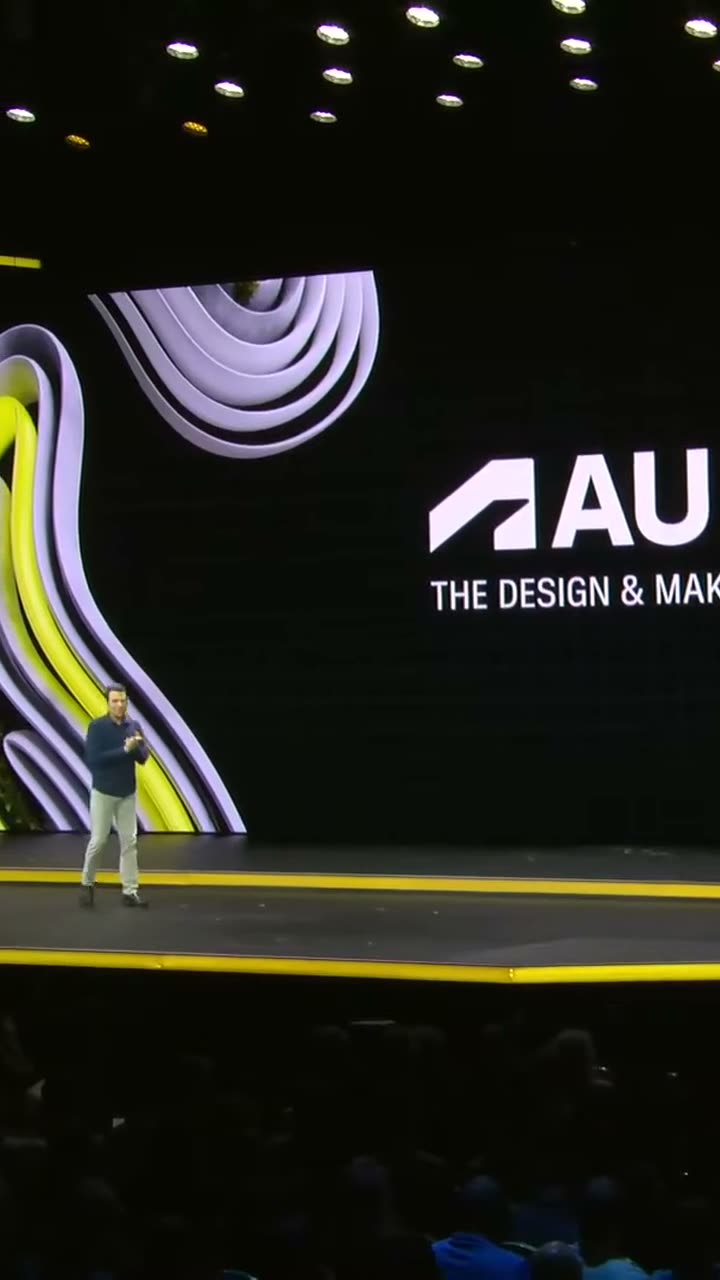
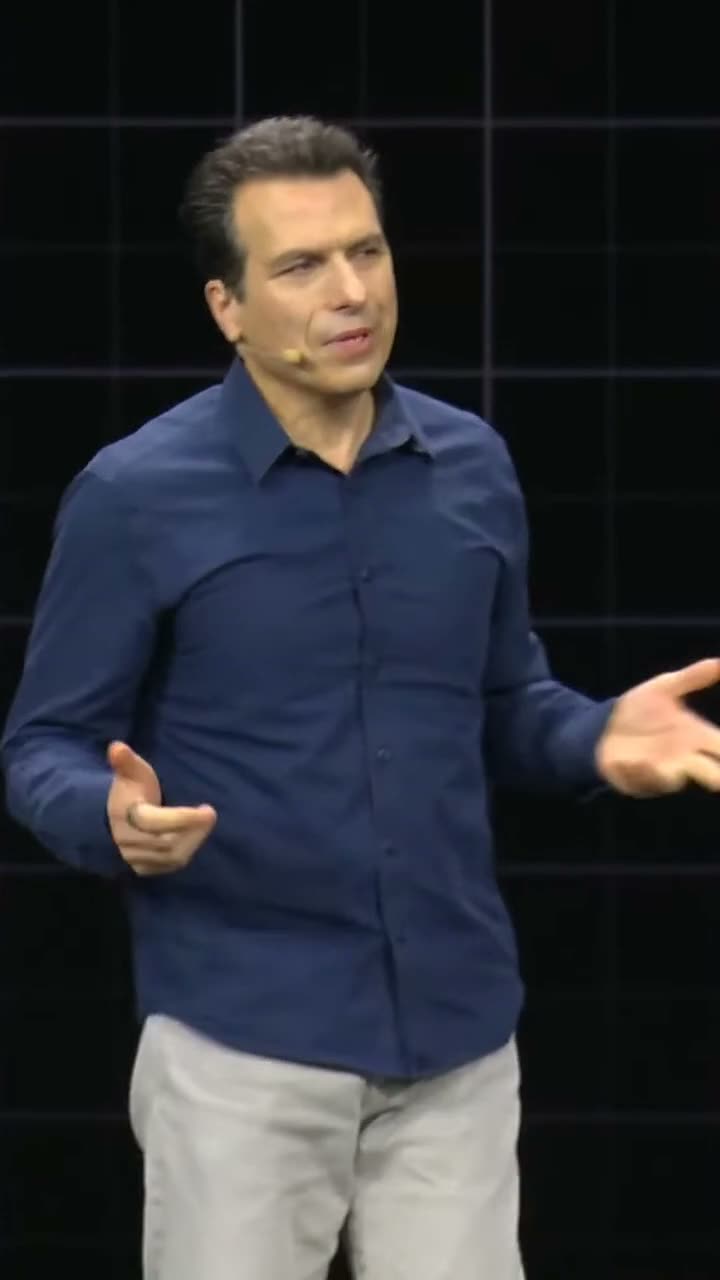
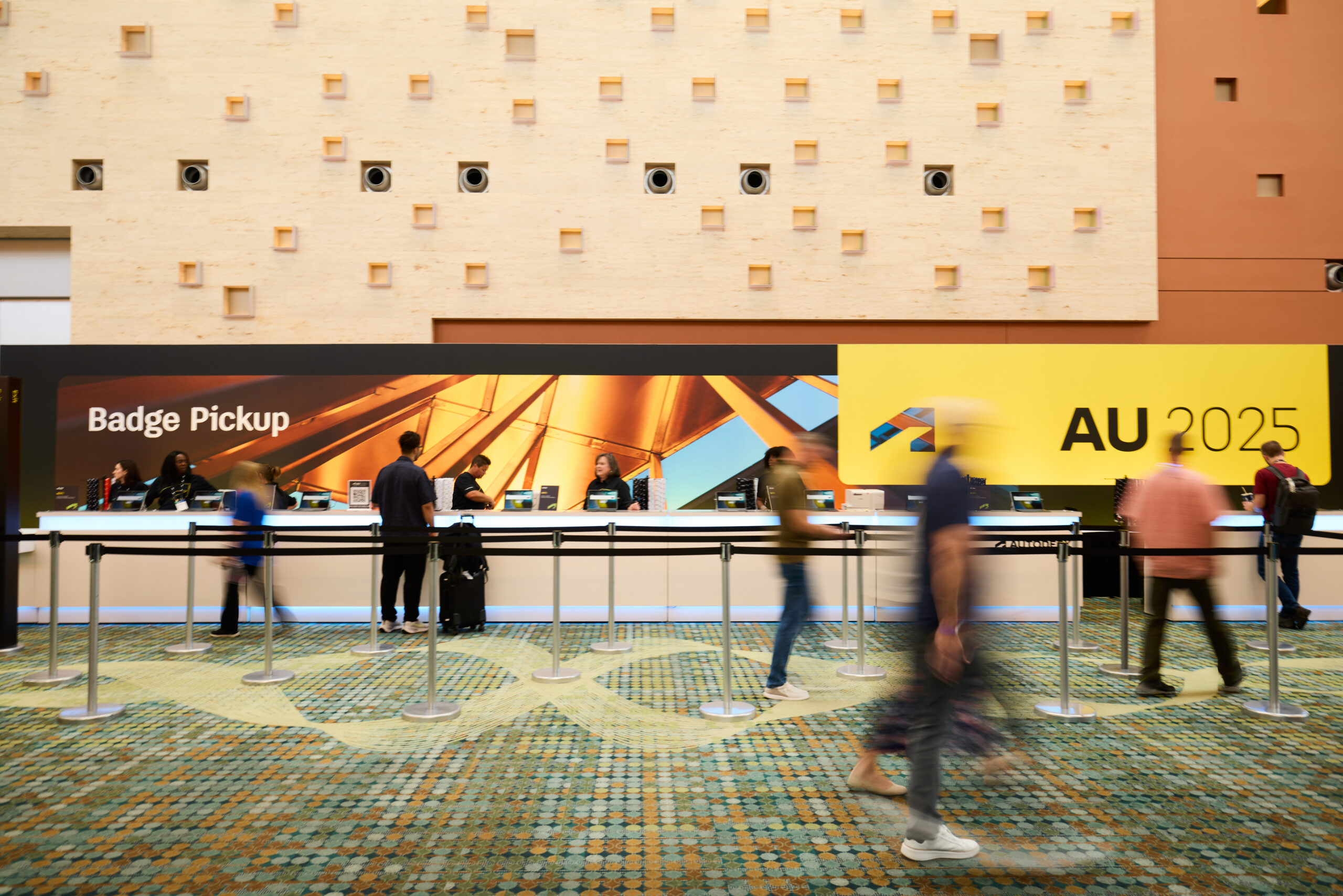
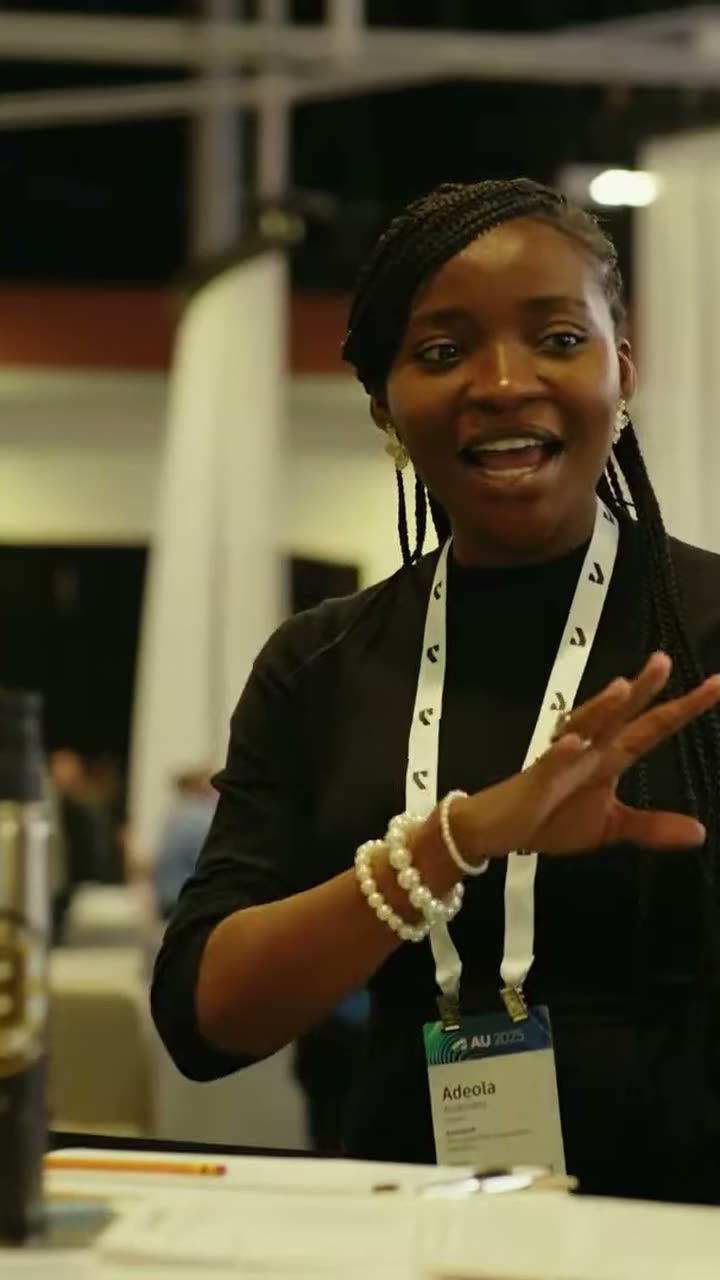
Footage and photos: Autodesk (AU 2025 and AU 2026), standing in until we have the event footage.
What Autodesk would be buying
In Dan's words: Autodesk sends us the raw footage from Prague, Texas and Bangkok, and we turn it into short videos for them to share on LinkedIn, with Autodesk branding and captions so they work with the sound off. Their film crews do the shooting. Dan gave a keynote at these events, so some of the footage is his own session.
Scope: Dan's email to Jodi and Kate at Autodesk, 10 Oct 2026 (screenshot). Everything in this row comes from that email. Where the page uses anything from Dan's plan for the day instead (the "Selling with AI" hackathon in concepts 01, 03, 04 and 07), it says so and needs confirming with Dan.
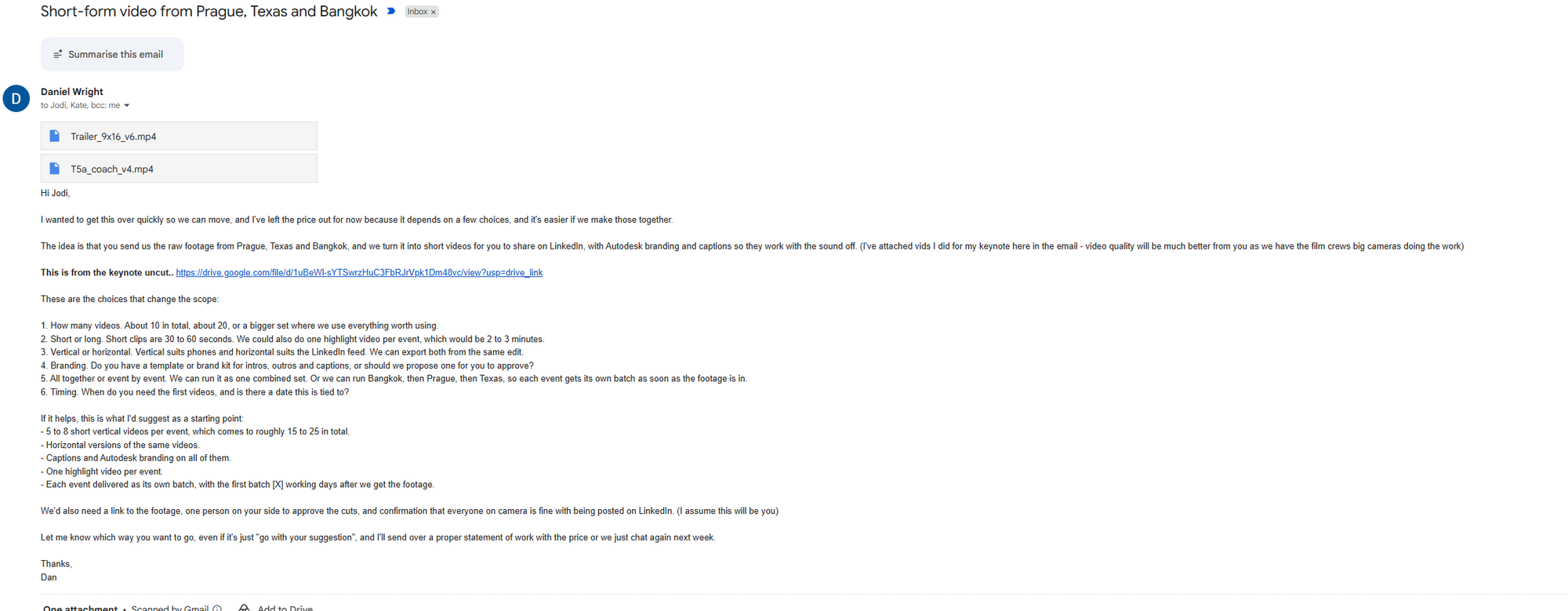
Dan's six choices for Autodesk
From his email. Autodesk hasn't answered yet, so the scope above is his suggested starting point, not an agreed one.
About 10 in total, about 20, or a bigger set where we use everything worth using.
Suggested: 5 to 8 per event, roughly 15 to 25 in total.
Short clips are 30 to 60 seconds. Possibly one highlight video per event, 2 to 3 minutes.
Suggested: short clips plus one highlight per event.
Vertical suits phones and horizontal suits the LinkedIn feed. Both can be exported from the same edit.
Suggested: vertical, plus horizontal versions of the same videos.
Does Autodesk have a template or brand kit for intros, outros and captions, or should we propose one for them to approve?
Suggested: captions and Autodesk branding on all of them.
One combined set, or Bangkok, then Prague, then Texas, each event its own batch as soon as the footage is in.
Suggested: each event its own batch, the first [X] working days after the footage arrives.
When do they need the first videos, and is there a date this is tied to?
Open.
Dan also asks Autodesk for a link to the footage, one person to approve the cuts, and confirmation that everyone on camera is fine with being posted on LinkedIn.
- It passes Autodesk's brand check first time. Their Brand Hub says simple projects that follow the guidelines don't need a review, so every frame here follows them.
- It works with the sound off. Captions on everything, checked word for word.
- Nothing is invented. Real names, real titles, real numbers, real quotes, each traced to a source.
- It doesn't look like a template. Their system is strict, so the craft has to come from the cut, the timing and the captions.
Autodesk's own rules are built for polished brand films: one-second fades, a logo bug in the corner, a three-second end frame. We'd argue short-form for LinkedIn needs a hook in the first second and pace all the way through. The concepts in section 07 are our answer to that: everything runs fast, but every move is one their guidelines allow.
Pricing and scope notes from 10 Oct are in the old chat, not on this page.
Black and white lead. Yellow is the pop.
All of this comes from Autodesk's public Brand Hub, saved in full to 01_Brand/Guidelines on 13 Oct 2026 (18 pages, 305 example images, 11 of their own films). The DAM holds the working templates and needs Autodesk to grant access.
Logo

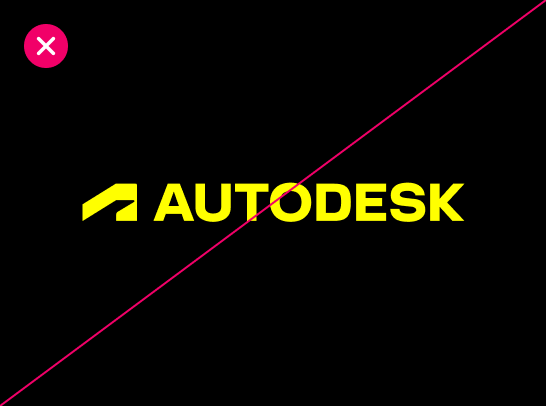
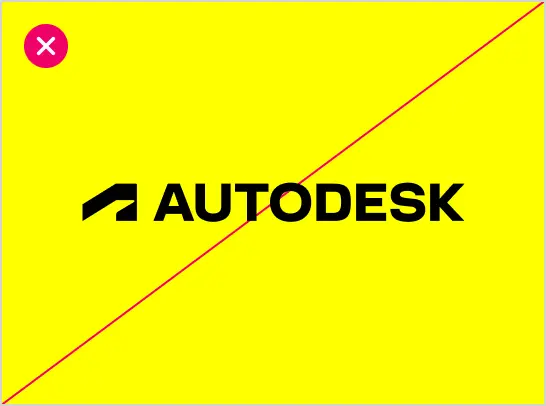
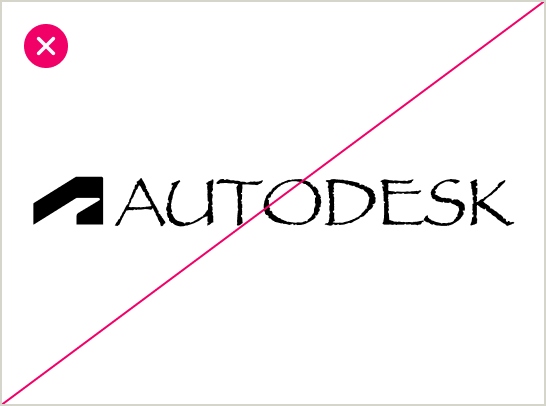
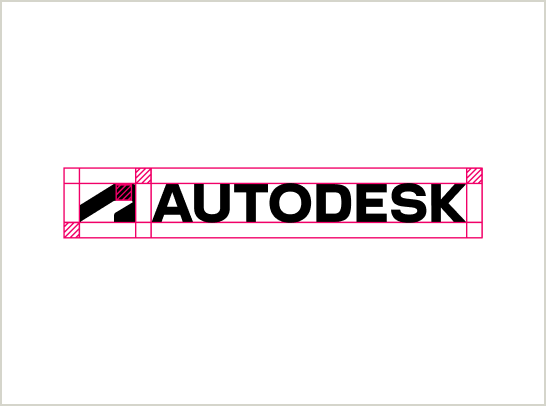
Source: brand.autodesk.com/visual-system/logo. Logo files: 01_Brand/Logos, all Autodesk's own artwork.
Colour · click a swatch to copy its hex
How the colours are used
- Black and white dominate. Hello Yellow is a highlight or reveal, and tints are allowed only if pure Hello Yellow stays the main shade.
- Warm Slate and Slate are for hierarchy when size isn't enough. Dawn, Dusk, Twilight and Morning are functional only (status, action), and no more than three per visual.
- No massive blocks of yellow, and never yellow text next to white text in the same phrase.
Files
01_Brand/Colours holds the palette as an Adobe swatch file (.ase, loads into Premiere, After Effects and Illustrator), CSS variables, JSON and a swatch sheet. One discrepancy to raise with Autodesk: their page lists Hello Yellow 600 as both #EEE410 and #EEEF10.
Source: brand.autodesk.com/visual-system/color, including the contrast ratios.
Typography: Artifakt
sell with AI
Sentence case, no full stop. On black, start in white and give the payoff yellow. Never split the yellow across a line break.
Designed for Autodesk only
Erik Spiekermann drew Artifakt for Autodesk. Suppliers can use it free, for Autodesk work only, after accepting the licence. Our copies in 01_Brand/Fonts are the Brand Hub's web files plus TTF conversions for Premiere mock-ups. Get the full Designer collection from the DAM before anything ships.
Captions in Bangkok
Artifakt covers Latin and Cyrillic only. For Thai, Chinese, Japanese or Korean, Autodesk's localisation team recommends Noto Sans. Arial is the fallback anywhere Artifakt can't be embedded.
The 4px grid
Font size plus line height must land on multiples of 4px, and so must every gap. Corners come from a fixed scale: 4, 8, 16, 24, 32. Rounded for callouts and quote blocks, sharp for structure.
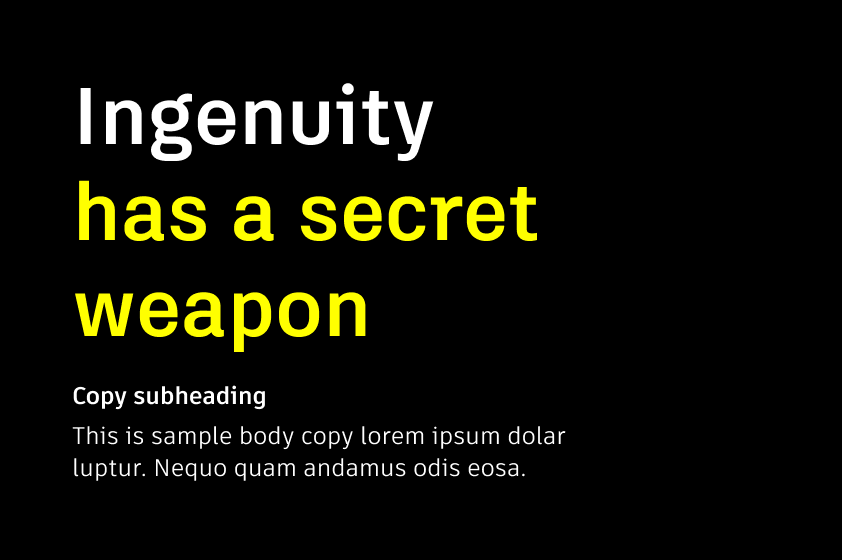
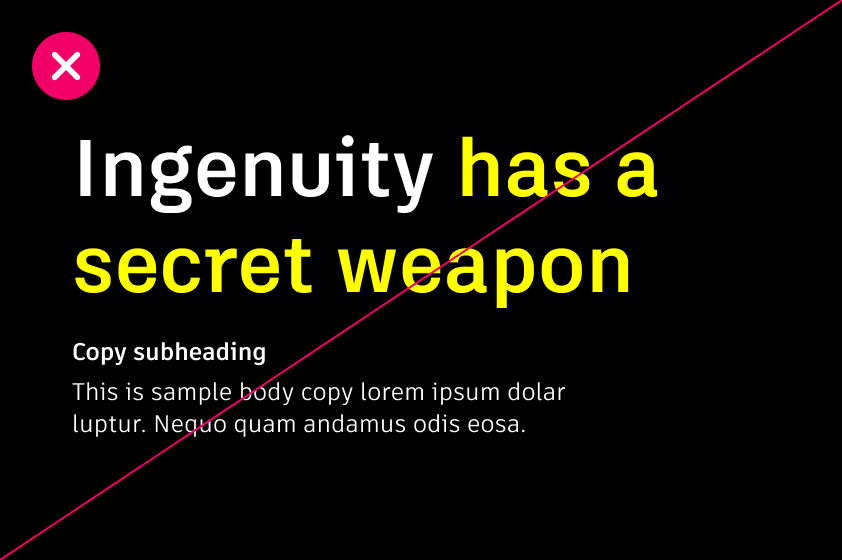
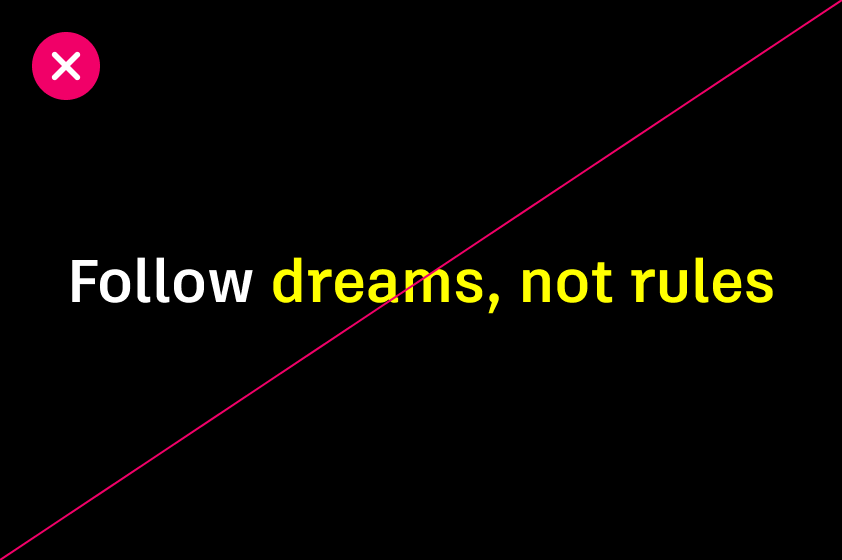
Source: brand.autodesk.com/visual-system/typography and /layout-system.
Voice: optimistic, trusted, human
Those are Autodesk's three words. In practice, for captions and on-screen copy:
- Write as "we" and "you". Short sentences next to longer ones.
- Plain words: use, not utilise; get, not acquire.
- Progress and outcomes, not difficulty. Positive, but no overpromising or upselling.
- Witty rather than funny. Humour has to work for a global audience, and never punches down.
- The tagline is "Make Anything". Never "Design and Make Anything".
Source: /voice-system/our-brand-voice, /voice-mechanics, /tagline.
Imagery: "premium authenticity"
Two styles, journalistic and staged, and both have to feel real. That suits event footage well. The rules that matter for us:
- Real people, not models. Nothing overly posed, nothing that feels forced.
- Outcomes and processes stay the focal point. Check safety kit is right in any work shot.
- Their four brand animations (Orbs, Bloom, Lattice, Prototype) can be used as visual enhancements, but never with text over them.
Source: /visual-system/imagery.
The window
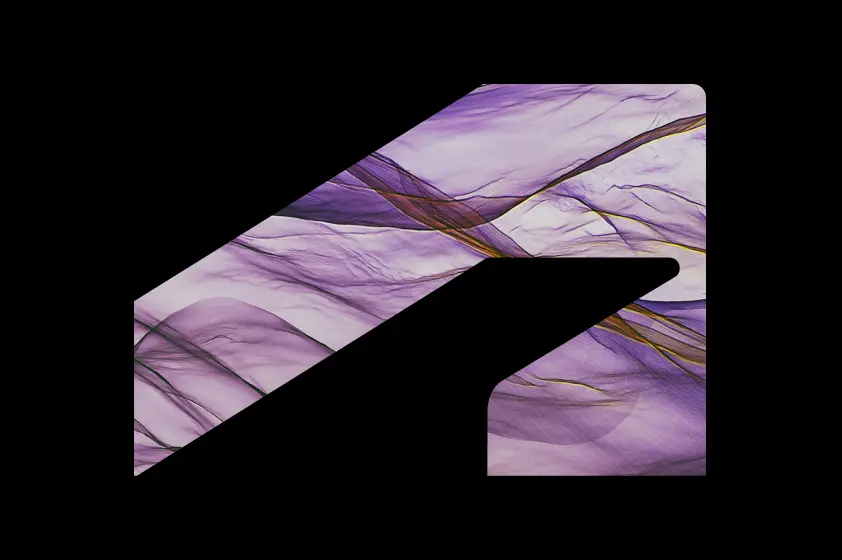
The symbol as a mask over a textural image from a customer industry. No people in it, no copy inside the shape, and the asset must carry the Autodesk logo. Concept 06 uses it.
The thread
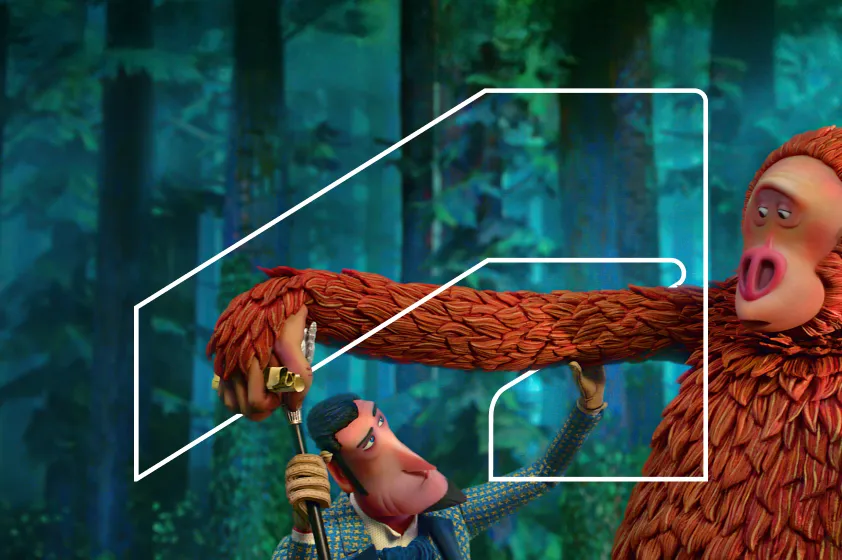
The outlined symbol weaving through an image. It always needs explicit permission from Autodesk's Brand Creative Team, and only their approved thread assets can be used. We don't make our own.
Source: /visual-system/visual-devices.
Autodesk has written the rules for video. We follow them.
“We don’t add text effects or animation without purpose. Instead, use motion graphics to draw the viewer’s attention to a certain part of the screen, usually to read text. Once the viewer has had time to read the text, add a simple one-second fade out.”
Autodesk Brand Hub, /brand-in-action/video.
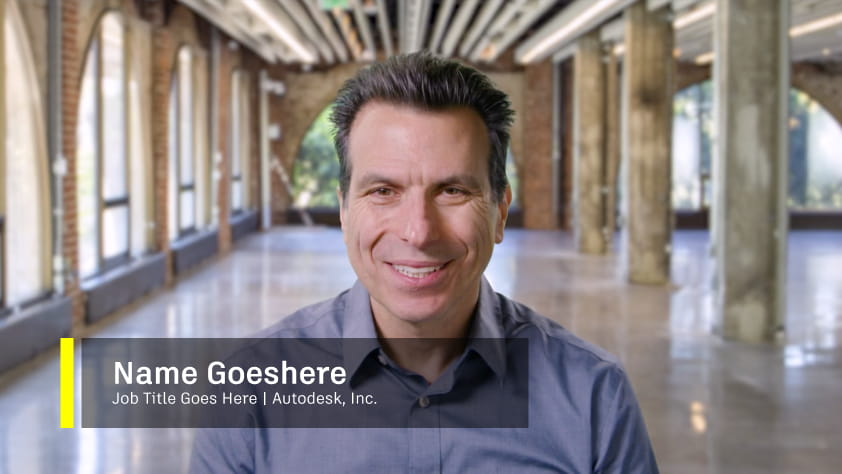
Lower thirds
Two lines: name, then title. Their example reads "Job Title Goes Here | Autodesk, Inc." and uses a yellow bar on a translucent dark plate. After Effects template on the DAM. Don't change the type sizes.
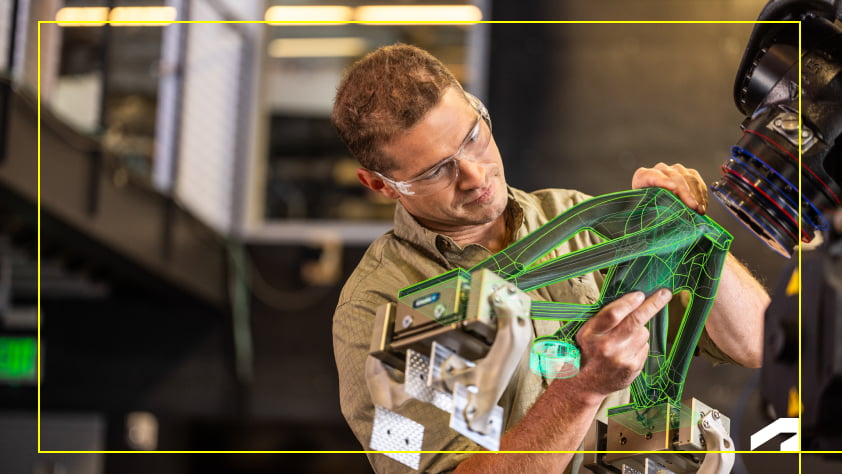
Logo placement
Bottom right, inside the safe frame. On mobile, the symbol instead of the full logo. With captions at the bottom, the symbol moves top right. Hidden during titles, section cards, lower thirds and transitions.
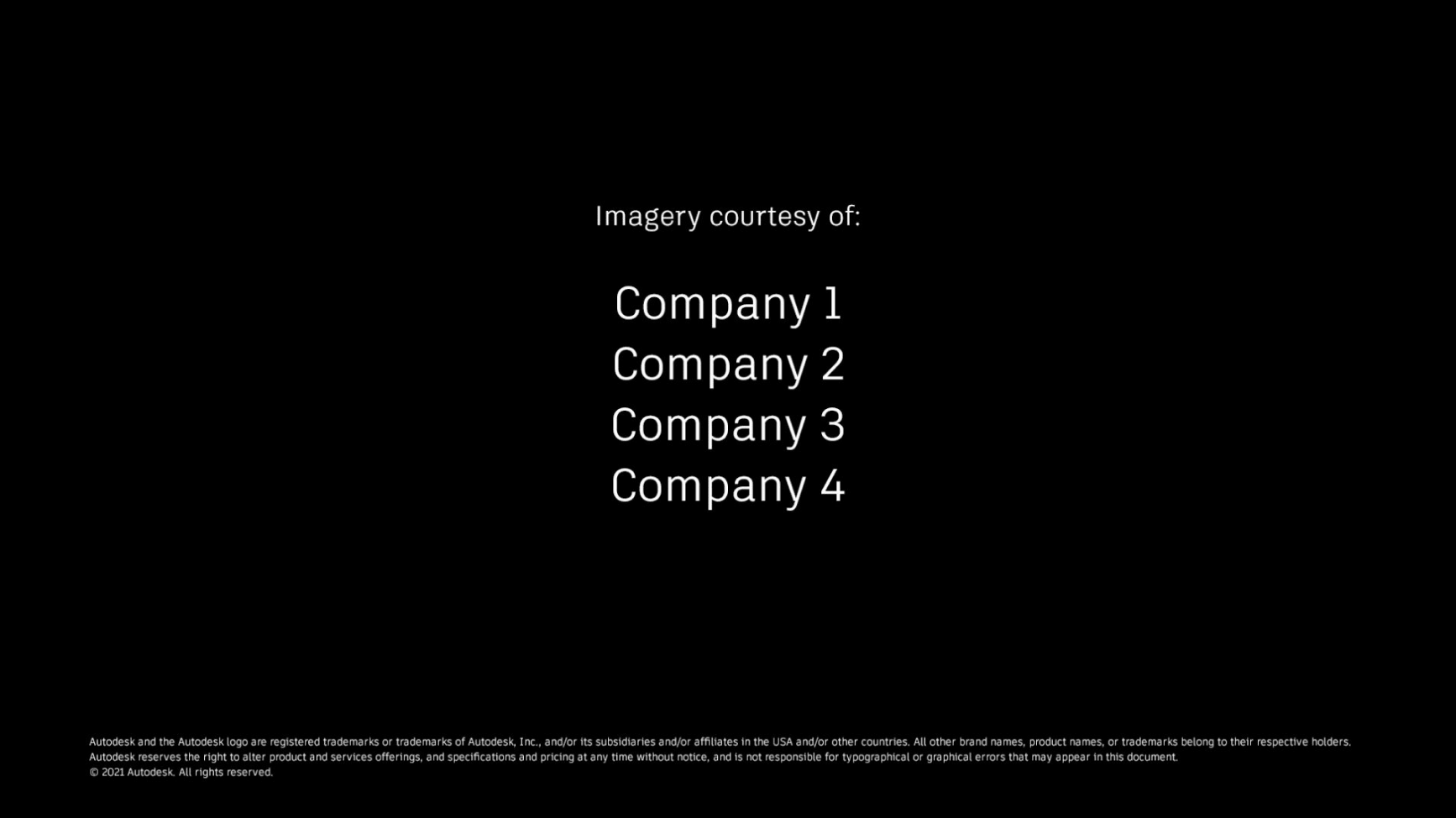
Credits, then the end frame
Credits and calls to action come before the final logo. Every video ends on the stacked tagline lockup: animated, or a static frame that fades in and holds for three seconds.
Titles and sections
Two After Effects templates: a main title for one or two lines, and a section title with more room that also works for a series. One-second fade between the title and the edit. If we rebuild a title in other software, "keep the elements, timing, and composition the same".
Sound
Voiceover should be assured, open and conversational, never a hard sell, with local narrators where possible. Instrumental music, picked to match the arc of the edit, and the edit can follow the music. Every image, clip, track and voice needs usage rights, and content goes to Autodesk Legal for approval.
Their own films
Downloaded from the Brand Hub. Click to play. These show the real timings, weights and easing their templates use.
Autodesk's own short-form worth studying
24 pieces from YouTube, LinkedIn, Instagram and TikTok: their top performers, plus their AU 2026 event edits because those are closest to our job. All downloaded, so click any one to play it with sound. LinkedIn and Instagram don't show view counts to logged-out visitors.
How other big tech brands cut their events
Sixteen event shorts from ten brands, including three of Autodesk's competitors in design and engineering software (Dassault Systèmes, PTC, Bentley). Compare like rates, not views. Four of these shorts (Adobe, Google, NVIDIA and Dassault, each over 100,000 views) have like rates between 0.04% and 0.10%, against 1.1% to 4.4% for the other twelve. That pattern often points to paid reach, but it's our inference: YouTube doesn't say.
Formats that turned up, and the example to steal from
Ten concepts, live, in Autodesk's own type
Each one runs in the browser at real size: 1080 × 1920 for vertical, 1920 × 1080 for landscape, scaled down to fit. The footage is Autodesk's own from AU 2025 and AU 2026, standing in for the event footage we'll get. "Safe zones" shades roughly where feed buttons and captions tend to sit. It's a rough guide we drew, not a platform spec.
Every film comes in 16:9 and 9:16
Dan's email already says it: vertical suits phones and horizontal suits the LinkedIn feed. Autodesk's own LinkedIn agrees, with 7 of its 8 latest videos in 16:9, while Instagram, TikTok and YouTube Shorts want 9:16. So we deliver both. We don't just chop the middle out. The crop follows the speaker, smoothed over about a second so it pans the way a camera operator would. The yellow box below is the actual crop path we generated for this clip.
Clip: Andrew Anagnost, President and CEO, AU 2026 Day 1 keynote (Autodesk on YouTube, 25:18 to 25:32). Crop tracked with a face detector and smoothed over 1.2 seconds. Script: 05_Hub_Assets/cut_clips.py.
Eight pieces per event, plus the highlight film
A proposal, built from the concepts above, so every event lands as a set that partners can follow. The order is the posting order. Dan's email pitched clips of 30 to 60 seconds, so the two shorter pieces (the teaser and the one number) would need agreeing with Autodesk.
| Piece | Length | Built from | Footage it needs |
|---|---|---|---|
| 1 · Teaser, morning after | 10 to 15 s | 01 Cold open, 05 Three cities | Arrivals, stage wides, crowd |
| 2 · Keynote soundbite | 30 to 45 s | 02 Speaker soundbite | Keynote camera with clean audio |
| 3 · Second soundbite | 30 to 45 s | 02 Speaker soundbite, 07 Pull quote | A second speaker or panel |
| 4 · How the day works | 30 to 40 s | 03 The day in three blocks | Sessions and tables at work (the hackathon, if Dan confirms it) |
| 5 · Hallway question | 30 to 45 s | 08 Hallway question | Five quick partner answers. Needs the crew briefed. |
| 6 · One number | 8 to 12 s | 04 One number | Any b-roll, plus one sourced figure |
| 7 · Best moment on stage | 20 to 30 s | 07 Pull quote, 02 captions | The strongest line from the stage, and the room reacting |
| 8 · Recap in 30 | 30 s | 09 Recap in 30, 10 End card | Best shot from each day |
| Highlight film | 2 to 3 min | All of the above, 16:9 master plus a 9:16 cut-down | Everything. Storyboard below. |
Highlight film, 2:30, first pass
Timings are a starting point to test against the real footage, not a promise.
Nothing goes to Autodesk until it passes all ten
- Artifakt onlyLegend Bold for titles, Element for everything else. Noto Sans for Thai or any double-byte captions.
- Black and white lead, yellow is the popYellow only on black, at the end of a line, never mid-phrase. Never yellow next to white in the same phrase, never on the logo.
- Logo bug in the right placeBottom right inside the safe frame. Symbol top right when captions sit at the bottom. Off during titles, lower thirds and transitions.
- Their lower third, untouchedTwo lines, their template, their sizes. Names and job titles checked against a source.
- Every move has a jobMotion points the eye at something to read. Text leaves on a one-second fade. No effect for its own sake.
- The ending is fixedCTA or credits, then the stacked "Make Anything" lockup, faded in and held three seconds.
- Works on muteCaptions on every clip, matched word for word to the audio, inside the feed's safe zones.
- Nothing inventedEvery name, title, number and quote traced to a source we can show Autodesk.
- Devices used properlyNo thread without Brand team approval. The window only with textural images, no people, logo present. No text over brand animations.
- Rights clearedLicensed music (they recommend instrumental). Everyone on camera has agreed to be posted on LinkedIn. Autodesk Legal approves before anything posts.
Questions to settle before the first edit
- DAM access for NavAIgate. The Brand Hub says agencies need a contract and an Autodesk sponsor. We want the After Effects templates (lower third, main title, section title, logo and symbol bugs, credits, intro, animated outro), the stacked tagline lockup and the Artifakt Designer collection.
- One named approver, as Dan's email asks, and whether their Brand team wants to see the set. The Brand Hub tells staff with complex projects to contact brand@autodesk.com at the start, not after design work begins.
- Footage handover: cameras, codecs, how many angles, separate audio, and how it reaches us (their Drive, a shuttle drive or Frame.io).
- Dan's six choices (section 01), and the date the first videos are tied to.
- Releases. Dan's email already asks for confirmation that everyone on camera is fine being posted on LinkedIn. We also need the speaker list with exact titles.
- Brand kit. Dan's email asks whether they have a template for intros, outros and captions, or want us to propose one. If they want a proposal, this hub is the start of it.
- Languages. English only, or Thai captions for Bangkok and local versions for Prague?
- Where it posts: Autodesk's corporate LinkedIn, a partner channel page, or partners reposting. That changes tone and length.
- Music: do they have a licensed library, or do we license tracks?
- Is the Bangkok footage part of the deal, given it's already been shot?
- Dates for all three events, and where in Texas. This page shows no dates rather than guess.
- The event's name. Dan's email doesn't name it. The catch-up briefing calls it the Global Partner Leadership Summit, and a partner's public Facebook post says "Autodesk Partner Leadership Summit 2026 - GROW". Neither is confirmed, so the mock-ups show "Event name", the way Autodesk's own template does.
- Is the "Selling with AI" hackathon material (concepts 01, 03, 04, 07) still right for these events?
- Can Autodesk's crew film the hallway question (concept 08)? It needs a short brief on the day.
- Are we OK to quote the table leader guide on screen (concept 07)?
- Who owns the Artifakt licence acceptance on our side?
Anything from the Autodesk folders on Z: stays out of this hub. Those files are Autodesk-confidential.
Where everything is
01_Brand/Logos | Autodesk logo (black, white), the symbol, the stacked "Make Anything" lockup. README with the video rules. |
01_Brand/Colours | Palette as .ase swatches, CSS, JSON and a swatch sheet. |
01_Brand/Fonts | Artifakt web files, TTF conversions for Premiere mock-ups, and the licence terms. Read the README first. |
01_Brand/Guidelines | 18 Brand Hub pages as Markdown, 305 example images with an index, and 11 official films in official_motion. |
02_Social | Social audit (SOCIAL_AUDIT.md and JSON) and screenshots per platform. |
03_Reference_Shorts | Autodesk's own shorts, downloaded, with frames. |
04_Peer_Benchmarks | 16 peer event shorts, frames, contact sheets, transcripts and PEER_BENCHMARKS.md. |
06_Audit | The fact-check: AUDIT_SUMMARY.md first, then the claim-by-claim files, the corrections log and saved evidence (Dan's scope email, YouTube captions, frames, live re-checks). |
05_Hub_Assets | The mock-up clips and how they were cut (cut_clips.py), source footage, posters, GSAP, and build_data.py to refresh sections 04 to 06 after the research files change. |
Sources
- Autodesk Brand Hub, brand.autodesk.com: logo, logo system, colour, typography, layout, imagery, visual devices, tagline, voice, events, campaigns and video pages, read 13 Oct 2026.
- Logo files: damassets.autodesk.net (public).
- Mock-up footage: Autodesk University, "Highlights from Day 1 of the AU 2025" and "AU 2026: The Design & Make Conference"; Autodesk, AU 2026 Day 1 keynote livestream.
- Deal scope: Dan's email to Jodi and Kate at Autodesk, 10 Oct 2026, screenshot saved in
06_Audit. - Dan's email is the main source for the job itself: the three places (Bangkok, Prague, Texas) and their order, LinkedIn, captions and branding, the six choices and his suggested starting point.
- Hackathon details used in concepts 01, 03, 04 and 07 ("Selling with AI", the block names and timings, the 60-second opening, Dan's "Move the table" line) come from Tom's catch-up briefing
Autodesk_Catchup/00_START-HERE.md, written from Dan's files on Z:. They can't be checked publicly, are marked where used, and need confirming with Dan. The briefing's city "Frisco", its event name and its Bangkok date are not used. - Andrew Anagnost's title: Autodesk's own AU 2026 film, frame saved in
06_Audit. The keynote captions match YouTube's own captions for that video word for word (also saved there). - Social and peer figures: yt-dlp metadata and the pages themselves, 13 Oct 2026. Details in the two research reports.

What their channels look like today
Checked on 13 Oct 2026. Follower counts are only shown where a page displayed them.
What we noticed
Nothing from the Bangkok, Prague or Texas events turned up on the Autodesk or Autodesk University pages we checked. The only posts found came from partners and staff, and none at all for Prague or Texas. If Autodesk posts these films, they'd be the first content from these events on its main channels that we could find, which makes "where does it post?" the first question to settle.